
DOC 03SIMULATION CONTENT
Environments
LEVIATHAN ships nine scenes, chosen from Scene → Ocean preset in the Viewport. Each one pairs a detailed 3D structure model, which you see and the cameras image, with an analytic environment that sets the depth, water, current and acoustics the physics and sensors use.
Gallery
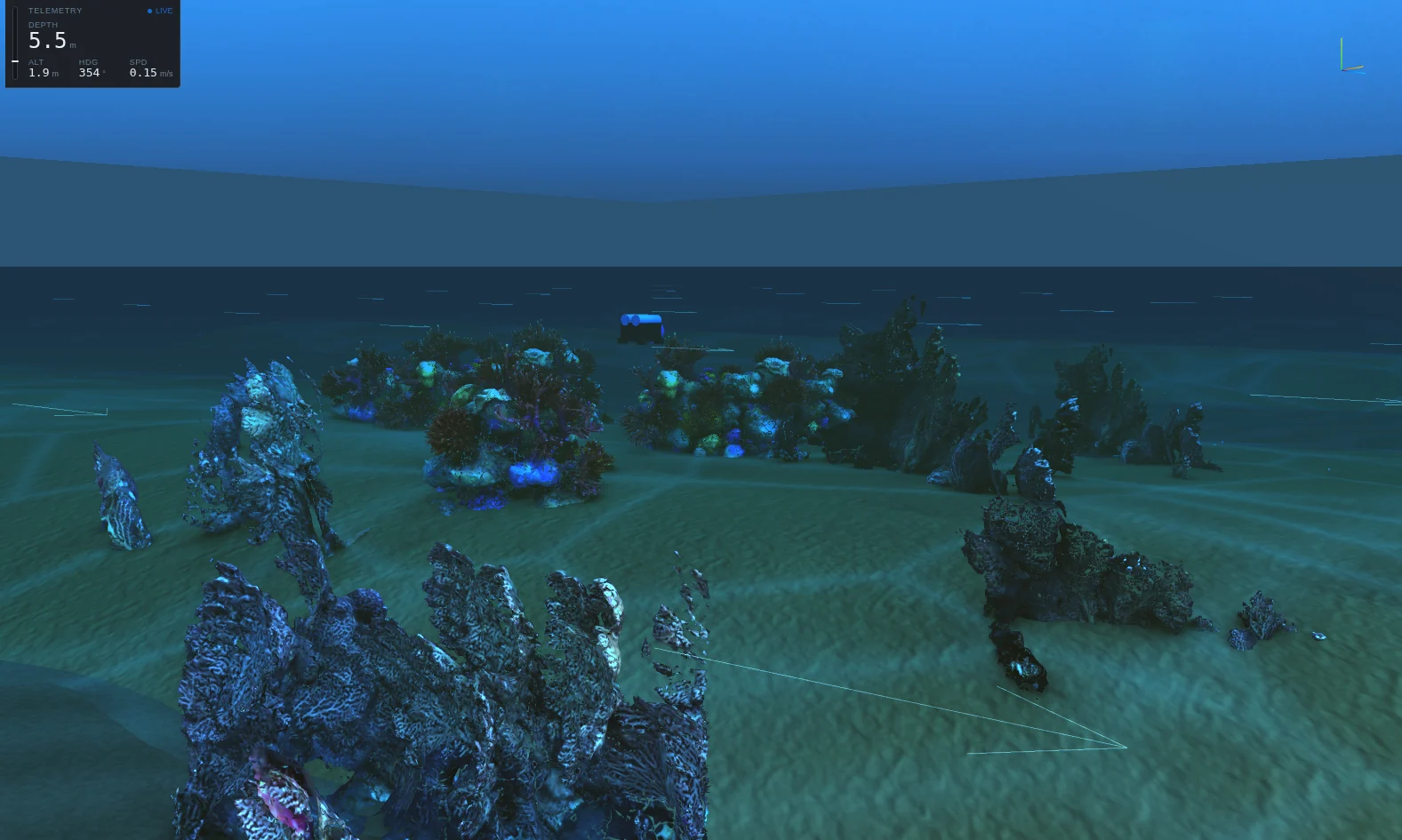
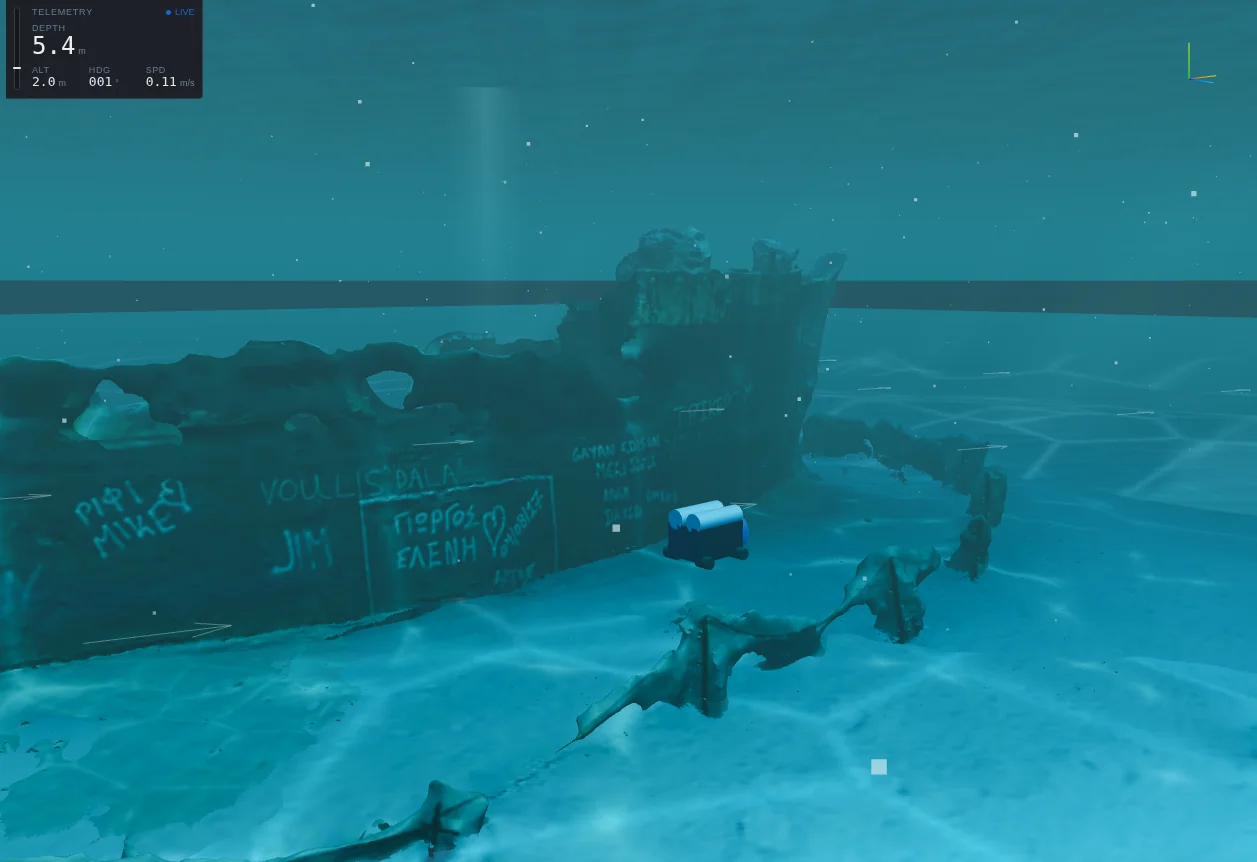
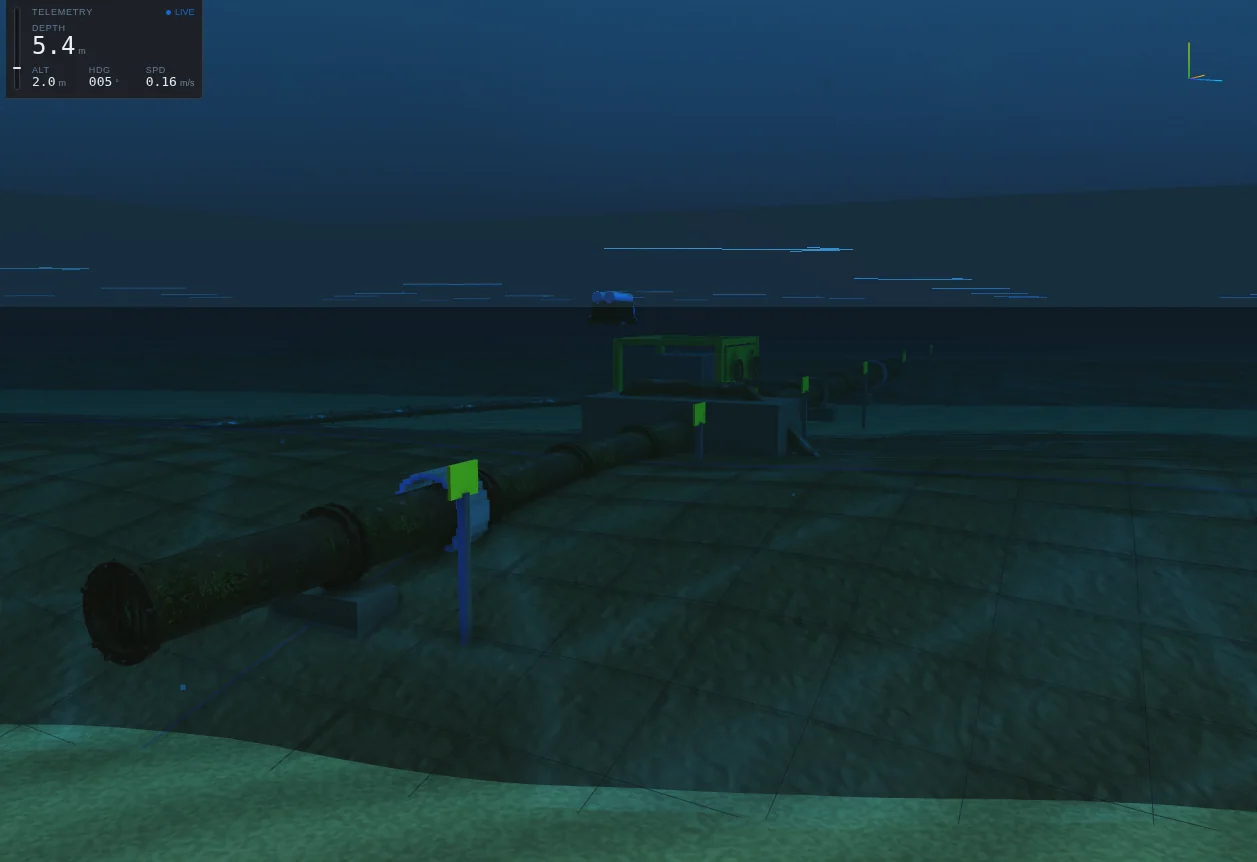
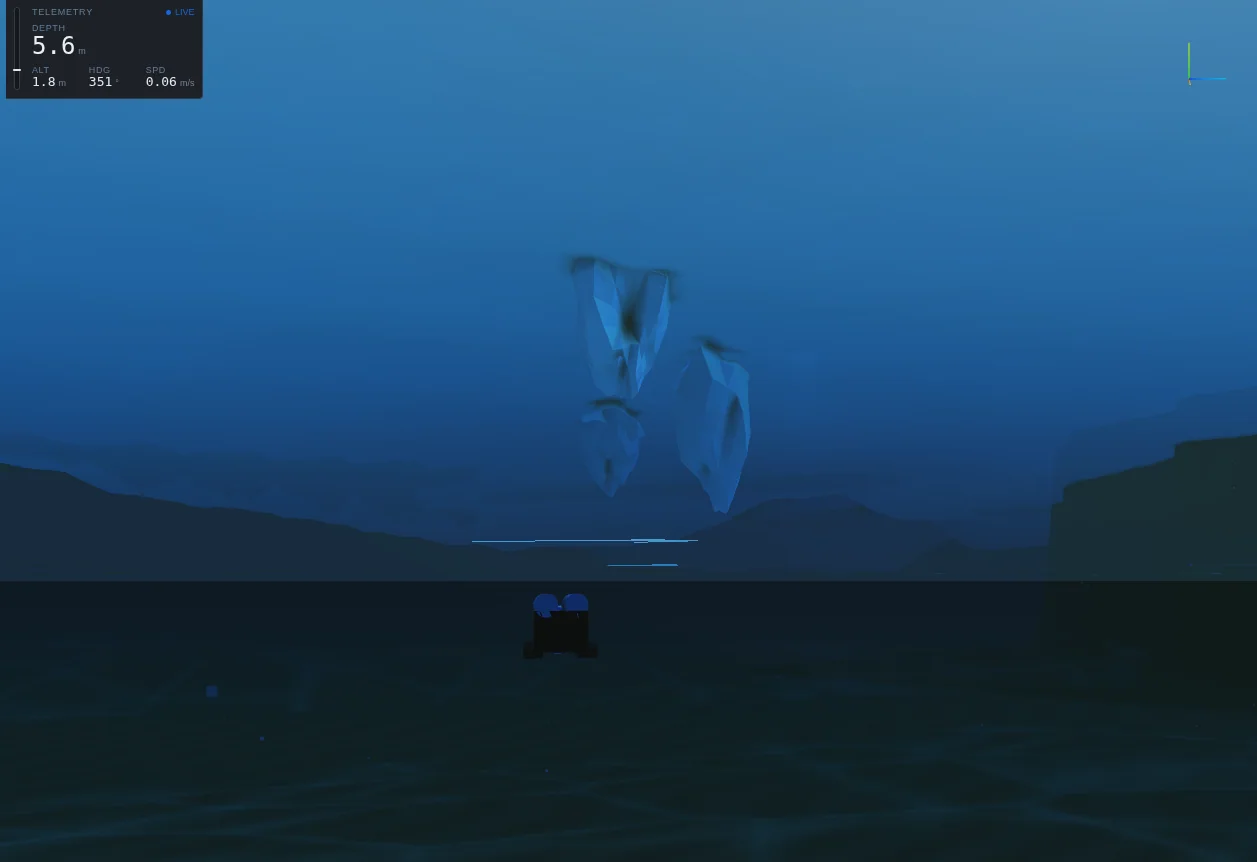
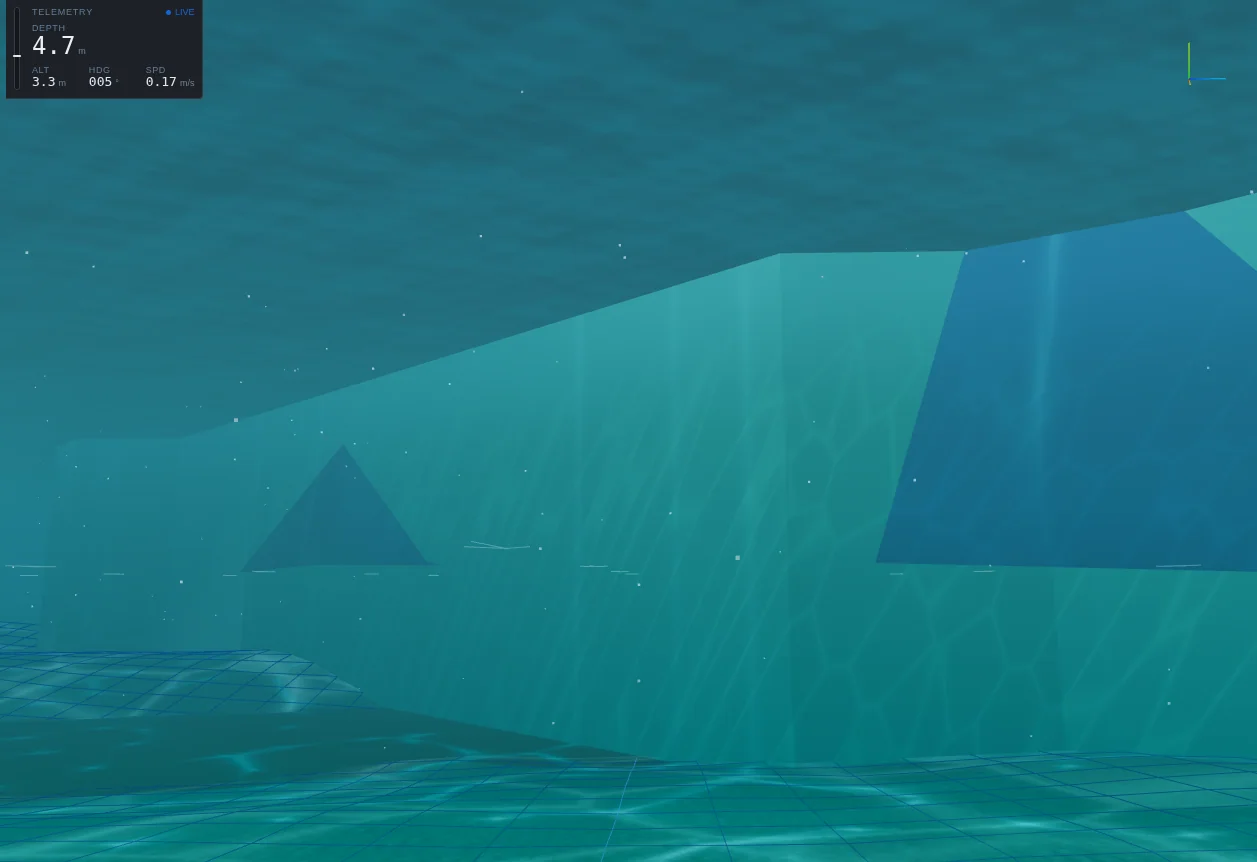
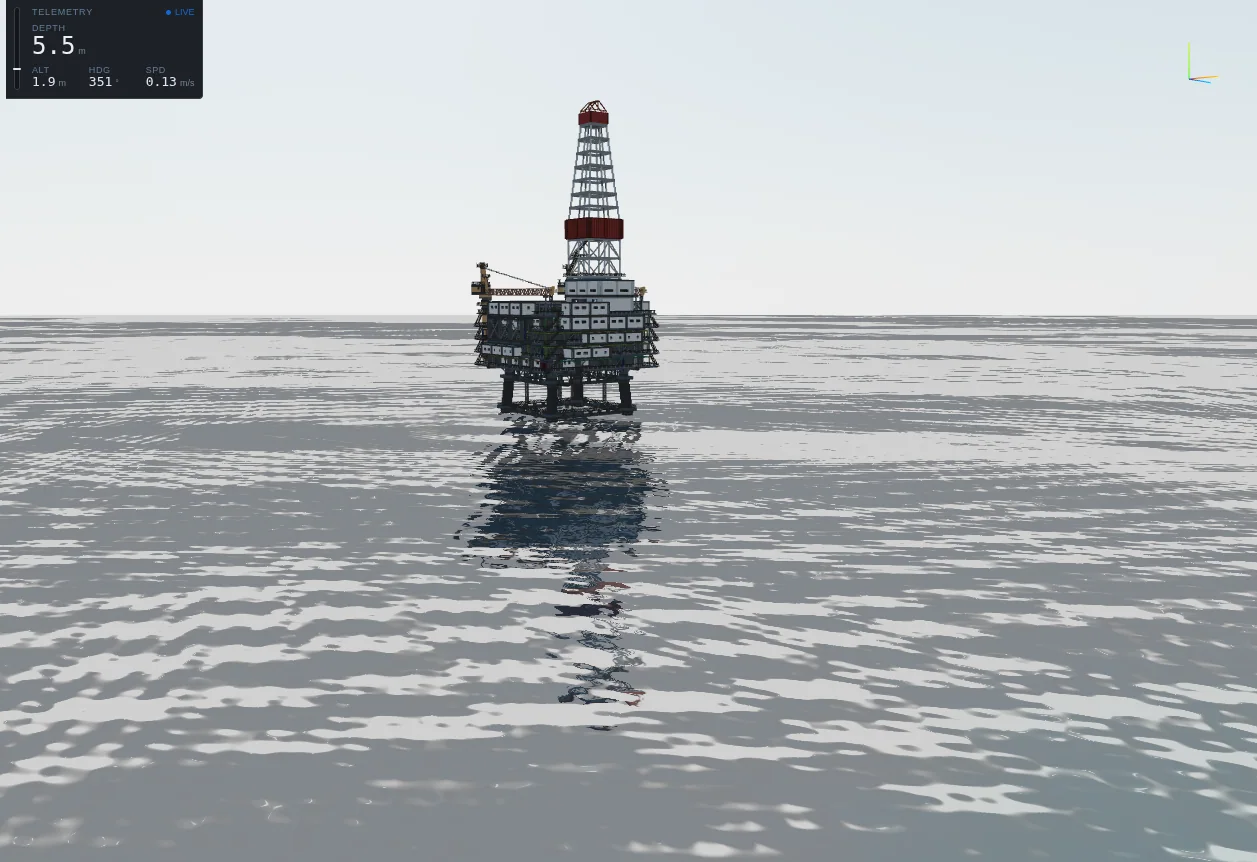
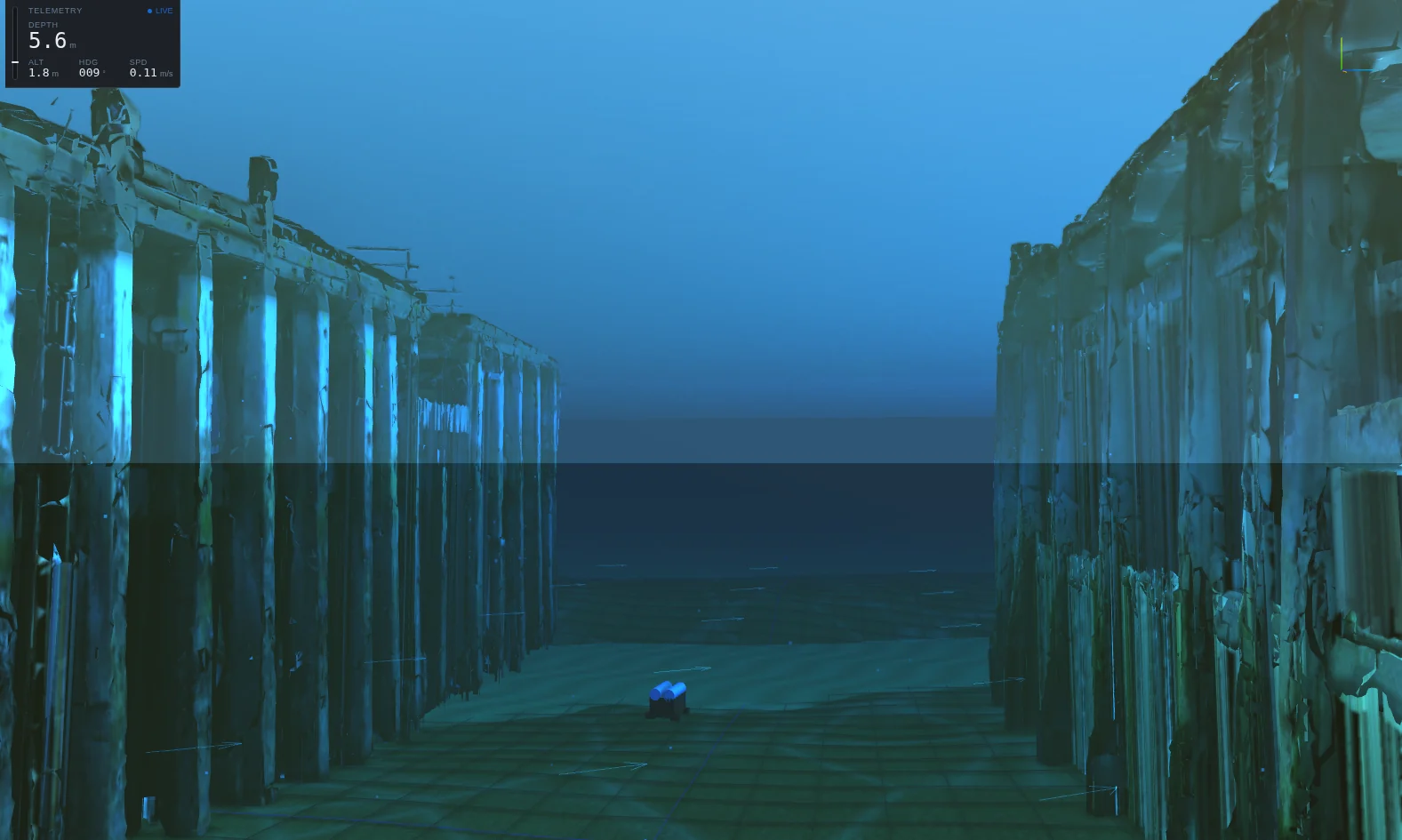
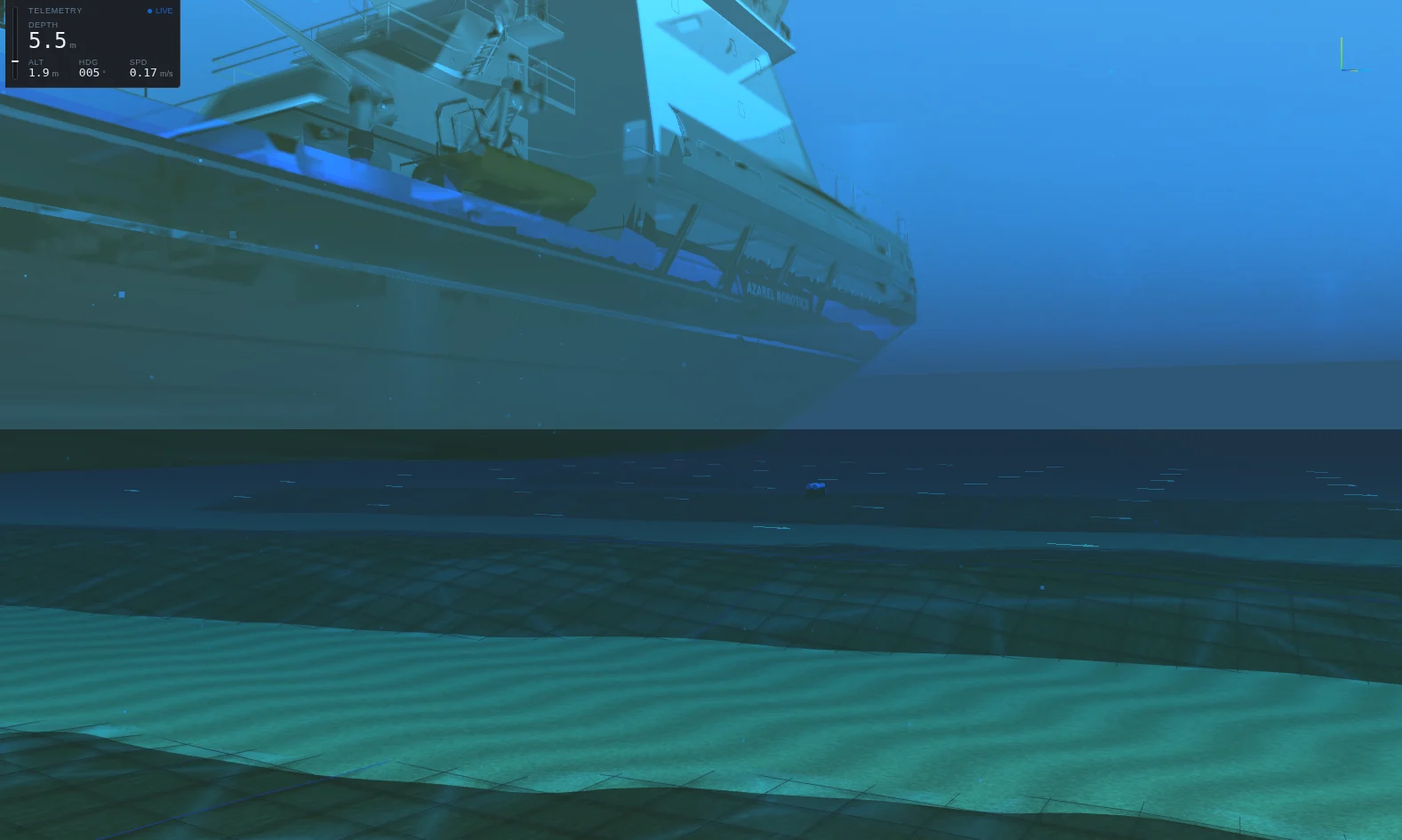
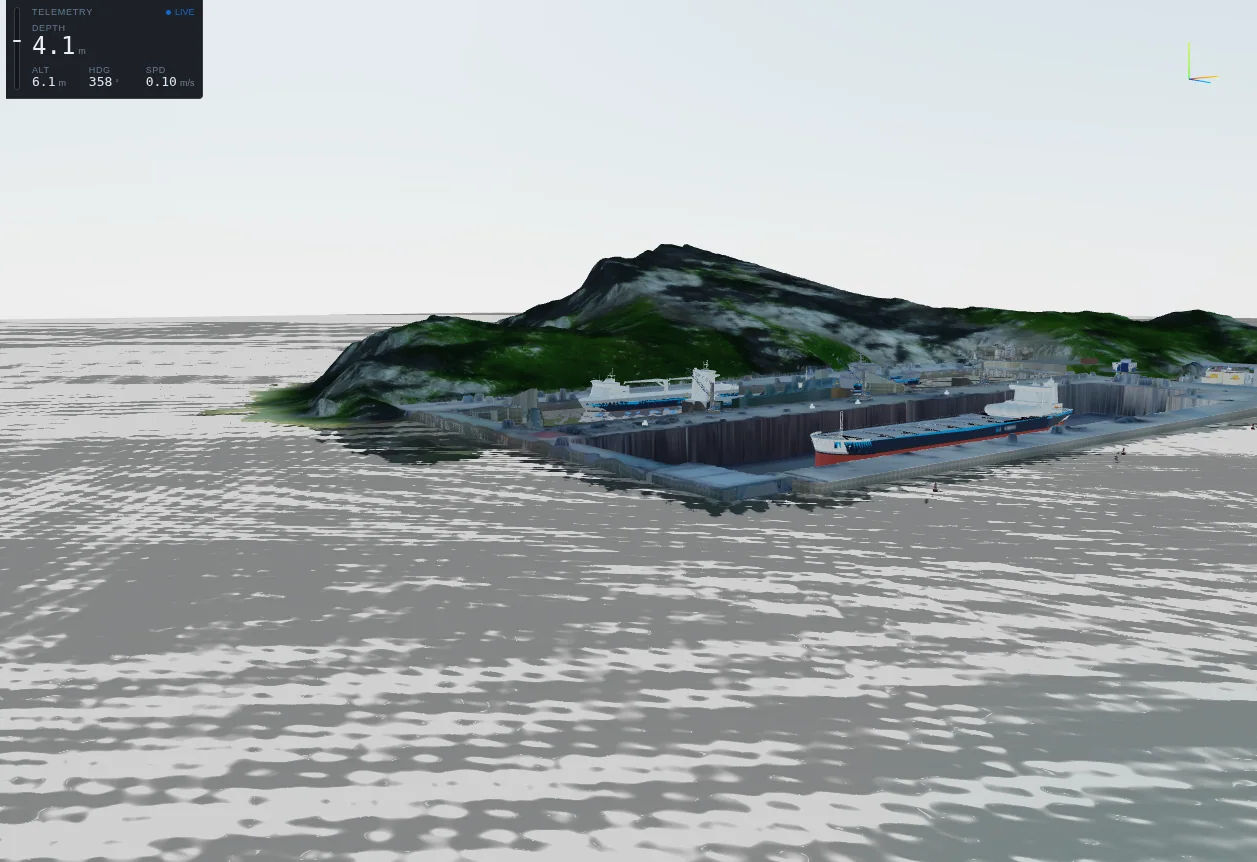
The gallery shows each scene as first loaded, with the BlueROV2 as the vehicle; the Harbour is shown from above the water to give a sense of its scale. The scene sections below pair several scenes with the vehicle class they suit. All images are Viewport captures from the current release.
Scene characteristics
| Scene | Seabed | Water | Current | Turbidity | Tide | Sound speed |
|---|---|---|---|---|---|---|
| Coral Reef | 18 m | Clear | 0.11 m/s · 75° | 10 % | None | 1502 m/s |
| Shipwreck | 24 m | Coastal | 0.09 m/s · 20° | 7 % | None | 1500 m/s |
| Pipeline | 60 m | Coastal | 0.22 m/s · 60° | 45 % | None | thermocline |
| Ice / Under-Ice | 30 m | Clear | 0.05 m/s · 90° | 20 % | None | 1450 m/s |
| Dam / Reservoir | 38–72 m | Turbid | 0.03 m/s · 0° | 55 % | None | 1447 m/s |
| Offshore oil rig | 30 m* | Clear | 0.25 m/s · 90° | 8 % | None | Not specified |
| Pier / Quay | 9 m | Coastal | 0.18 m/s · 60° | 45 % | 0.2 m/s, 720 s | coastal |
| Ship Hull | 14 m | Coastal | 0.05 m/s · 90° | 35 % | None | 1500 m/s |
| Harbour | 12 m | Turbid | 0.21 m/s · 75° | 35 % | 0.3 m/s, 600 s | 1505 m/s |
* Water depth recorded with the oil-rig structure model; the scene uses the Viewport's open-water environment rather than a dedicated analytic preset. Tidal currents are short-period oscillations so that they are visible within an episode. Sound speeds marked by profile name use the profiles described in Ocean and environment.
The structure model is a detailed triangle mesh. The Viewport draws it, and the PerceptionFrame camera and canonical sensors image it when its geometry is part of the snapshot. The analytic environment gives the physics and the analytic sensors a seabed, a current, tides and simplified stand-ins for structures, such as obstacle footprints and shoals. A vehicle's dynamics do not collide with the detailed mesh.
The scenes
Coral Reef
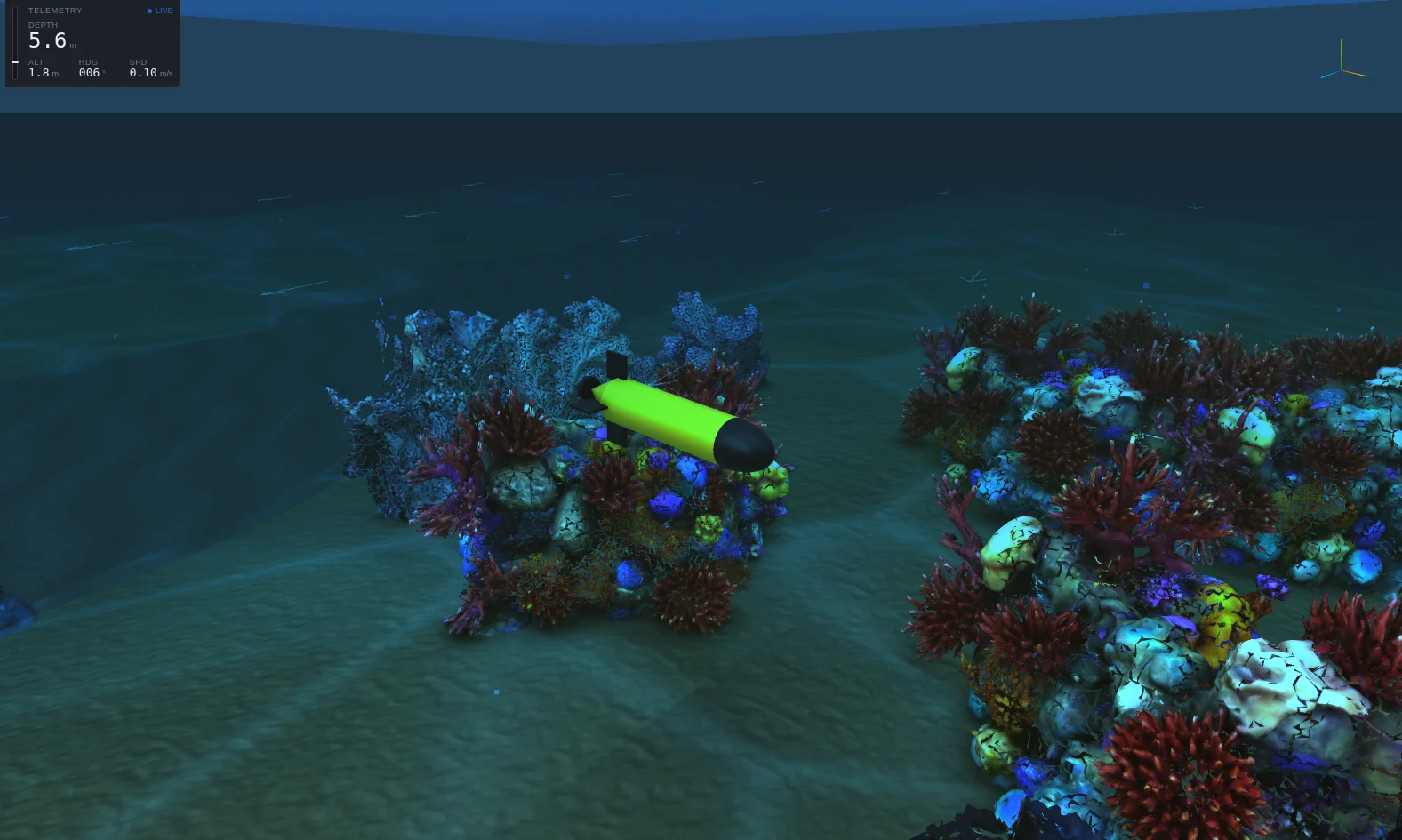
A shallow reef in clear water: rugged bathymetry with three coral-head shoals, a light current and a gentle eddy (0.3 m/s at 10 m radius). The structure is a scanned reef model about 19 m by 18 m. Use it for close-range inspection, obstacle avoidance among irregular natural geometry, and clear-water imaging. The Reef footprint overlay shows the area the reef occupies.
Shipwreck
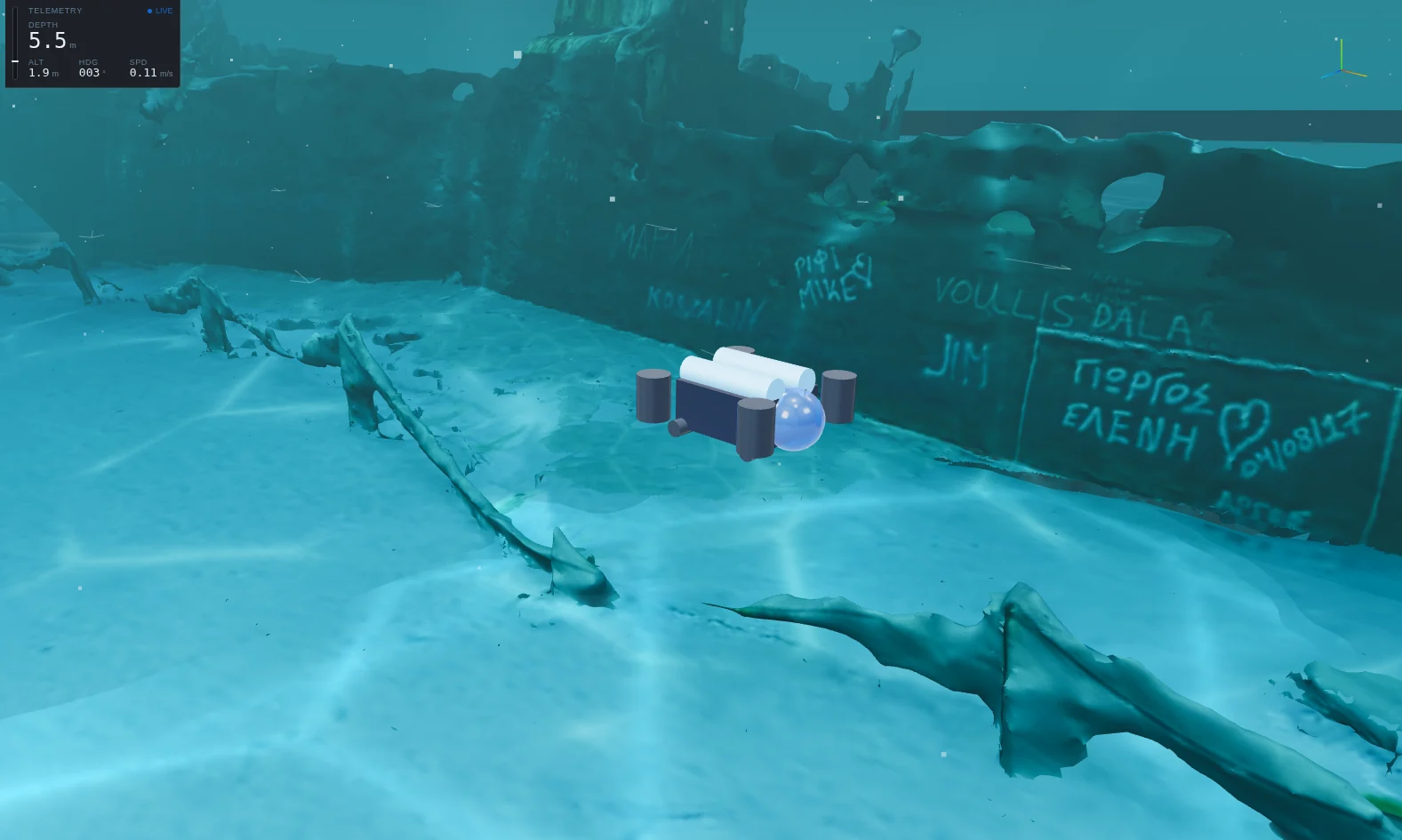
A wreck survey site on a shelf bottom with a weak set across it. The structure is a photogrammetric scan of the MV Panagiotis on Zakynthos (Zante), roughly 47 m long, 7.7 m in beam and 6.4 m high. The analytic environment represents a hull broken amidships with a debris field as obstacle footprints. Use it for wreck survey patterns, sonar and camera data over complex man-made geometry, and the sensor footprints shown in Sensors.
Pipeline
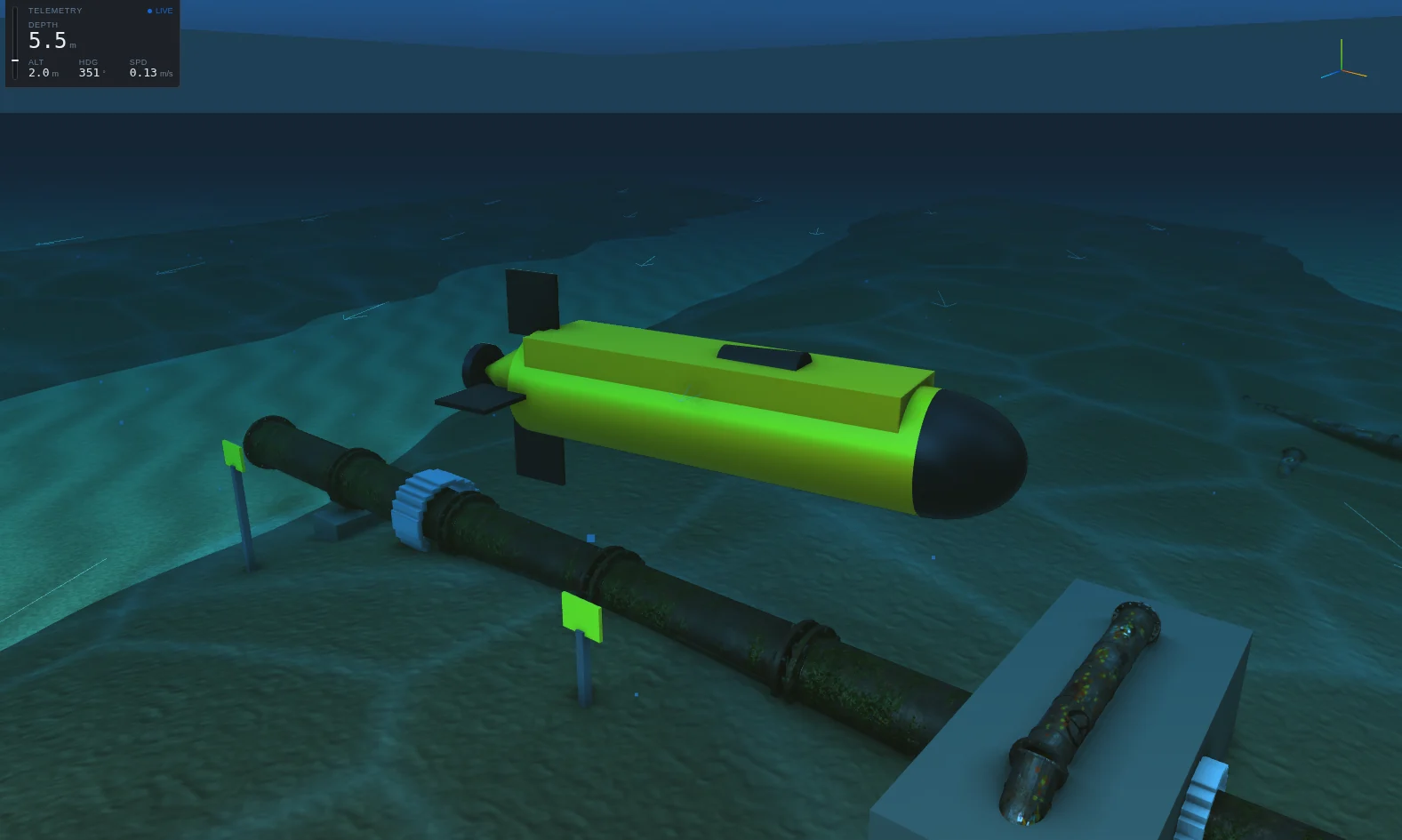
A pipeline survey in 60 m of water with a steady cross-current. The work site, about 36 m by 24 m, uses one layout shared by the scene, the sonar and the learning task. Use it for pipeline following, inspection of anodes and valves, and defect search.
Ice / Under-Ice
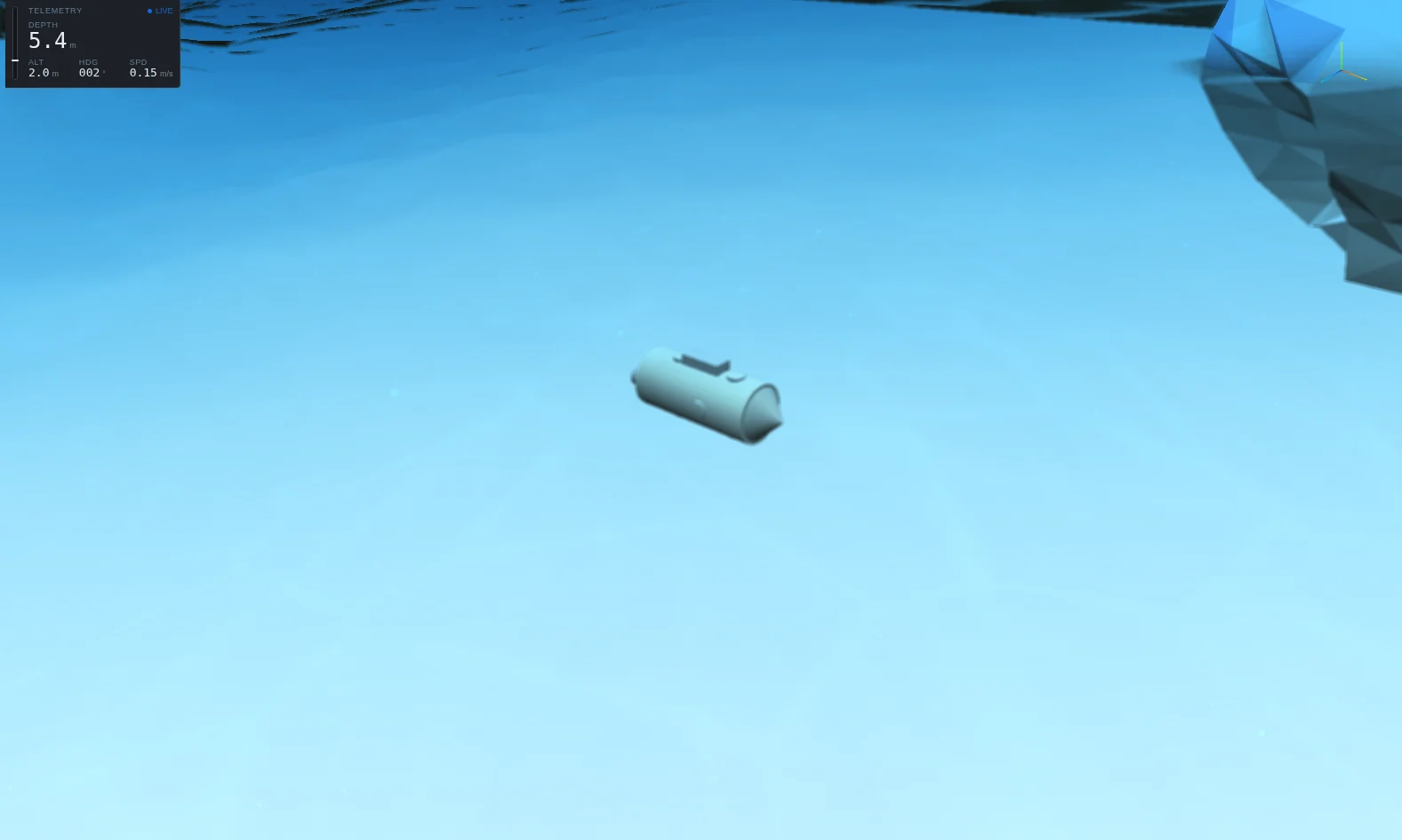
Under-ice operations in clear water: a thin ice canopy pierced by pressure-ridge keels that dip into the water column. The vehicle has to keep clearance below the ice and dive under each ridge. The structure is a coastal sea-ice model about 250 m across. Use it for under-ice transit and for sensors that look up as well as down.
Dam / Reservoir
An impounded reservoir against a gravity dam. The water is still, with no tide, and turbid with suspended silt. The bed shelves from 72 m at the dam face to 38 m at the back shore. The structure is a model of the Hoover Dam, with the wall rebuilt where the source model left gaps. Use it for dam-face inspection in poor visibility.
Offshore oil rig
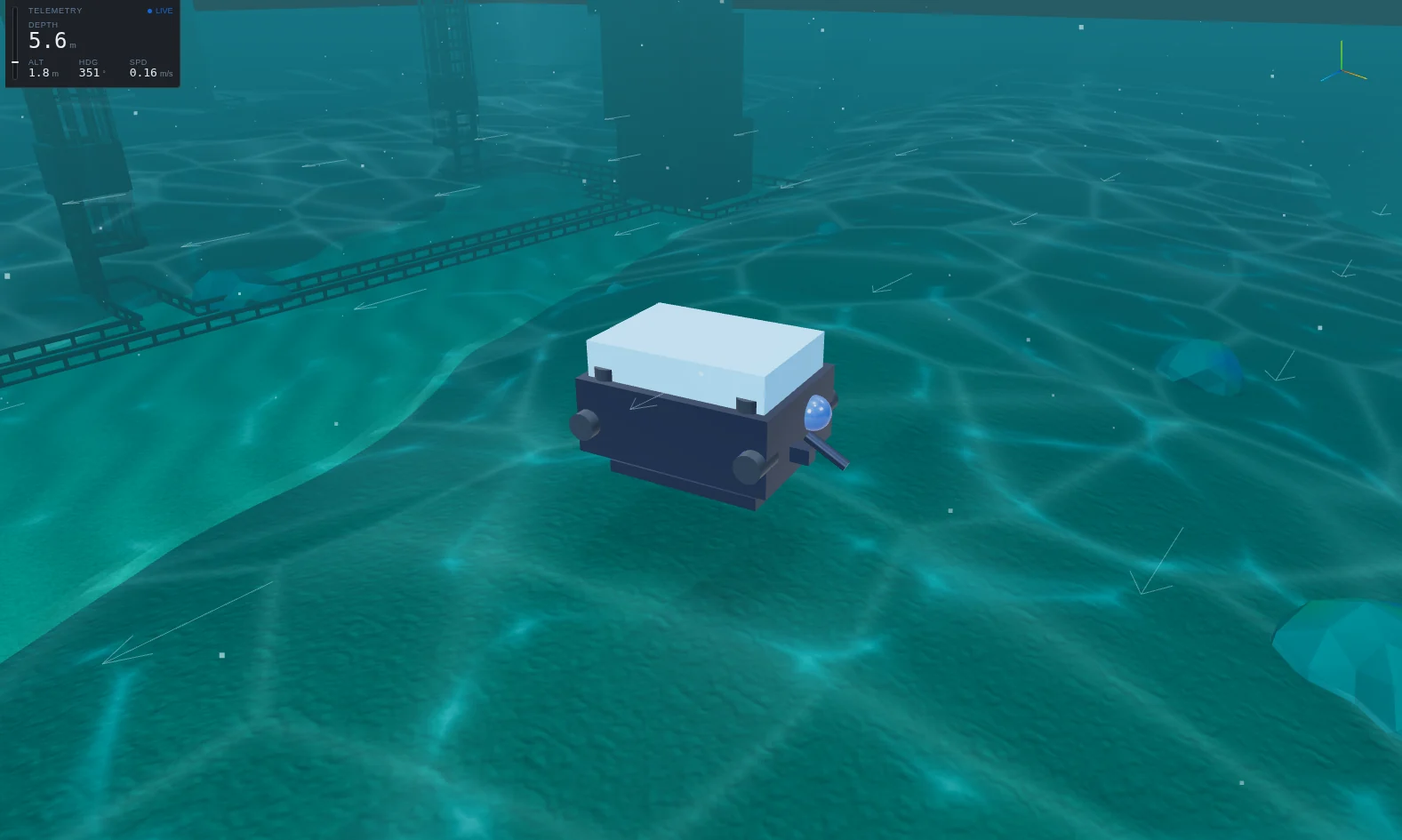
A fixed-jacket platform in open water with a shelf current and clear water. The structure, about 58 m by 62 m in plan, extends from the seabed through the surface to the topside. Use it for jacket and riser inspection, and for scenes where the surface and the structure appear together.
Pier / Quay
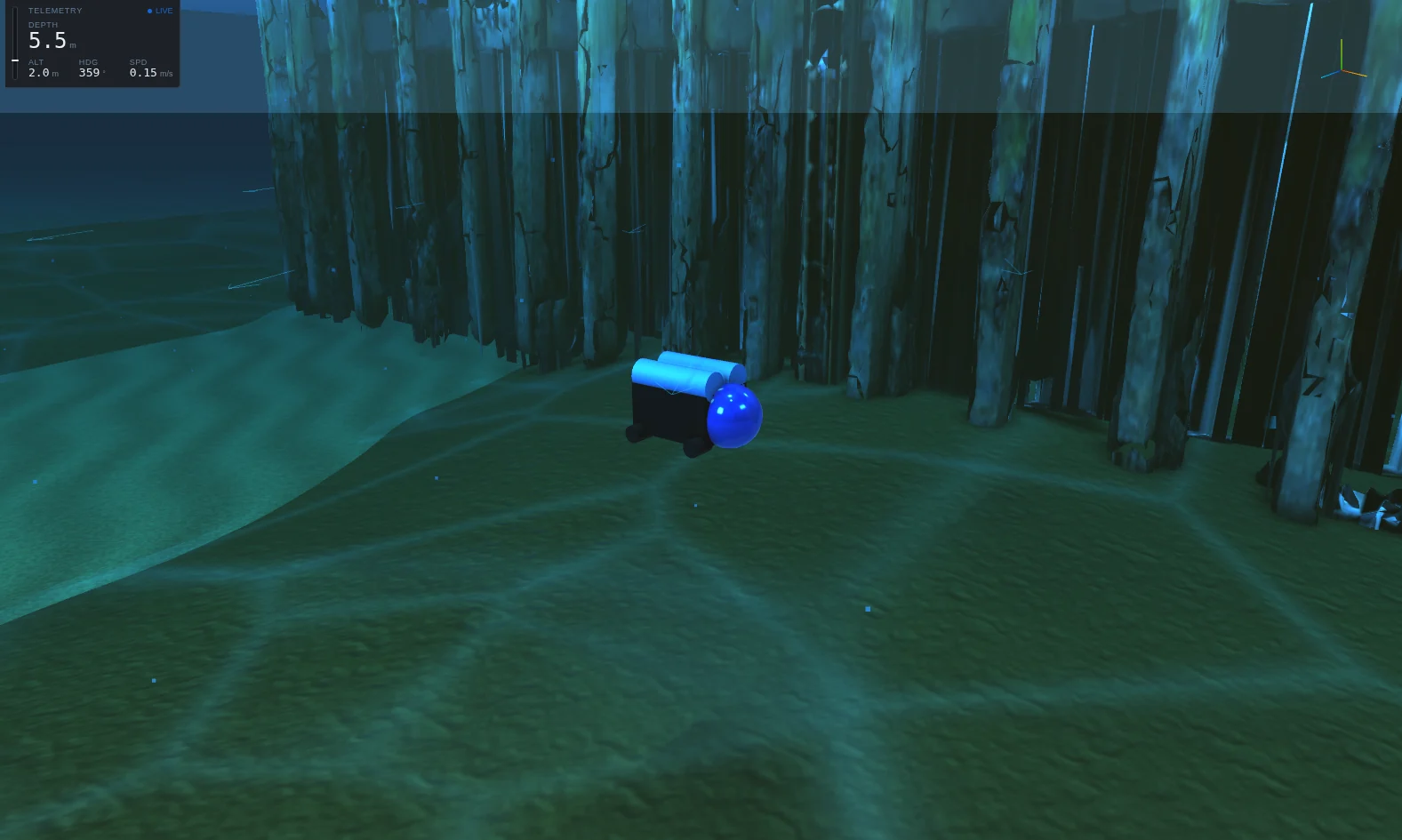
Quay-wall and pile inspection in 9 m of coastal water, with a moderate cross-current and a tidal oscillation. The structure is a scan of two piers across a channel, about 48 m by 69 m. In the analytic environment, a shoal stands in for the vertical structure. Use it for pile inspection and close manoeuvring between structures.
Ship Hull
Hull inspection in near-still water alongside a large floating body. The structure is a shallow-draft icebreaker about 84 m long, afloat at the surface. The analytic environment represents the hull as a broad overhead shoal. Use it for in-water hull inspection; for fouling and cleaning analysis, see the Hull workspace.
Harbour
A shallow, turbid, tidal port. There is a weak mean current plus a tidal oscillation, and murky water limits optical range. The harbour has realistic bathymetry: dredged berths, an approach channel, and a shelf falling to 45 m. The Viewport's seabed, altimeter and scripted vehicle follow this depth grid. The vehicle starts beside a moored vessel with cranes. Use it for berth and quay inspection, and for navigation in confined, poorly lit water.
Changing the environment
After choosing a preset, the Scene menu adjusts turbidity, sea state (significant wave height) and the current's speed and heading. The Current overlay draws the flow field. The Dashboard offers deeper control: the Ocean field and Sound-speed profile panels, real bathymetry import with Import bathymetry, and the Tide panel for water level. See Ocean and environment.
- Scene models are third-party scans and artistic models. Their shapes are real, but their surfaces carry display colours, not measured optical reflectance or acoustic material properties.
- Analytic environments stand in for structures with simplified footprints, so the physics sees an approximation of the scene geometry.
- Each scene's water is homogeneous for the camera model. Stratified optical properties are not modelled.